Stock management software
Inventory management software that keeps stock right from your bills
Most shops lose track of stock because it lives in a separate register. In HisabBook AI, stock moves with your bills: a sale reduces it, a verified purchase bill adds to it, and a return puts it back.
You can see what is running low, what is about to expire and every stock change with its date — without counting the shelf by hand every week.
- 1 month free trial
- No payment to start
- Works on mobile & desktop
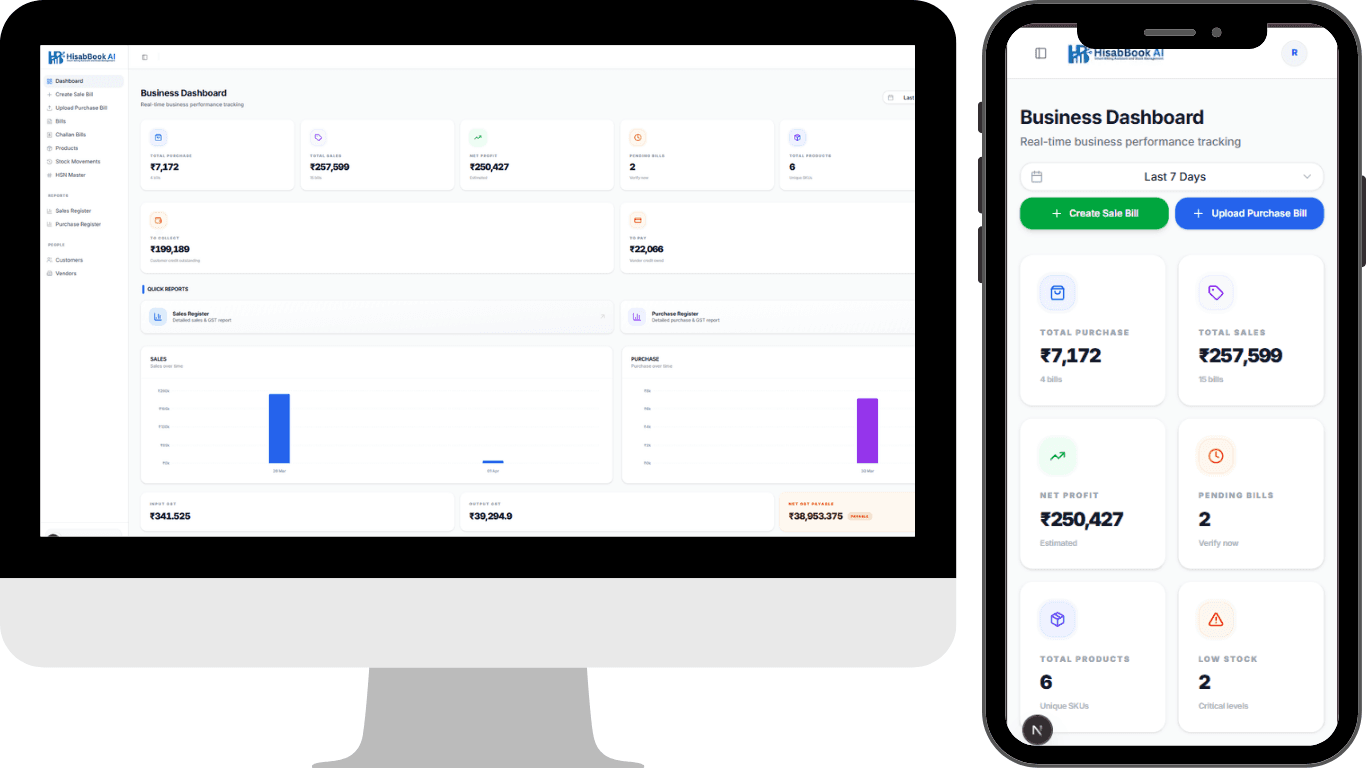
Stock tools built into billing
Product list with GST details
Each product keeps its HSN code, GST rate, unit, purchase price, sale price and wholesale price.
Stock updates from bills
Inventory sale bills reduce stock. Purchase bills add stock when you verify them. Returns are adjusted too.
Low-stock alerts
The dashboard shows products that are running low so you can reorder before you run out.
Batch and expiry
For medical and agro businesses: batch, expiry date and an expiring-products list with days left.
Stock movement history
Every manual adjustment is logged, so you can see when stock changed and by how much.
Stock and product sales reports
Current stock by product, batch or HSN, and product-wise sales for any date range. Export to Excel.
Where it saves time
Purchase bill arrives with 40 items
Upload a photo of the bill. After you check and verify it, all 40 items are added to stock at once.
Counting stock at month end
Compare the stock report with the shelf and correct any difference with a stock adjustment that stays on record.
Medicines close to expiry
See which batches expire soon and sell or return them to the supplier in time.
Finding your best sellers
The product sales report shows which items sell the most so you can stock up on the right things.
Why shop owners prefer it
- One place for billing and stock — no second register or spreadsheet to keep up to date.
- Stock per HSN code is available for your GST work.
- Works for kirana, medical, agro, electronics, tiles and other trades, with fields that suit each.
- Use it on a phone at the counter or on a computer in the back office.
Frequently asked questions
Does stock update automatically when I make a bill?
Yes for inventory sale bills, which reduce stock. Purchase bills add stock when you verify them with “include in inventory” on. Quick simple invoices do not change stock.
Can I track batch numbers and expiry dates?
Yes. Medical (pharma) and agro business types get batch and expiry fields, and the dashboard lists products that are close to expiry.
How do I correct stock if the count is wrong?
Use stock adjustment on the product. The change is saved in stock movements so you can see what was changed and when.
Can I export my stock report?
Yes. The stock report and most other reports can be exported to Excel.
Is there a free trial?
Yes. New accounts get a 1 month free trial with every feature, and no payment is needed to start.
More from HisabBook AI
GST Billing Software
Tax invoices, CGST/SGST/IGST worked out for you, WhatsApp sharing.
AI Purchase Bill Scanner
Photo or PDF of a supplier bill in, items, HSN and GST filled in.
Billing for Retailers
Counter bills, udhaar tracking and UPI for kirana, medical and other shops.
Billing for Wholesalers
B2B invoices, wholesale prices, salesman orders, party ledgers and e-way bills.
Free tools: Bill to Excel · GSTIN Check · HSN Code Search · For accountants
Try it on your own bills
Every feature is included in the trial. Call or WhatsApp us on +91 99741 40105 if you want help setting up.